
Home Notes
A daily note from school, done as taps: emailed to the family the same day, replies kept and the week in one note on Friday.
When to Use This
Home Notes is the daily sheet from school, done as taps. The teacher or therapist taps what happened (mood, what was worked on, meals, bathroom, how the day settled and a win) and adds a line in their own words. The family gets the note by email the same day and can reply by replying; the teacher reads every reply under the note. On Friday the family gets the week in one note. Families read and reply free. A student is a first name only. Beacon writes nothing to families on its own: one Friday line if you ask for it, which you can change before it goes. Home Notes is not for emergencies: for anything urgent, call the school.
If You Are an Educator or Therapist
Use Home Notes when you send a daily sheet home in the folder. Add each student by first name, tap today's note, add your line and send it; every reply shows under the note and in your Replies list. Teachers and therapists are free during the beta.
How It Works
Add Your Students
Add a student by first name or a nickname, never a last name. Add Several takes a whole class at once. Each student gets the family members you invite by email.
See It in the ExampleWrite the Note by Taps
Open today's note for a student and tap through the sections of your template, then add a line of your own. The note saves as you go, and a note started offline waits on the phone until you are back online.
Send It and the Family Gets an Email
Tap Send and confirm. The note goes by email the same day to every family member who chose email. After it is sent it cannot be edited. The family's email carries the note itself, as you wrote it.
See It in the Example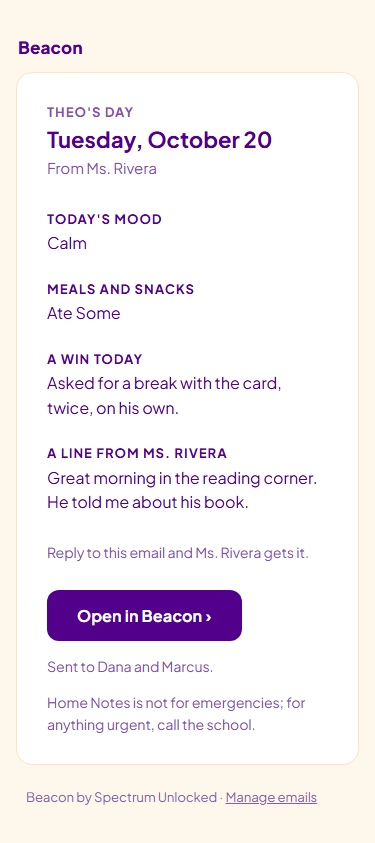
Add a Correction or Mark a Note Sent in Error
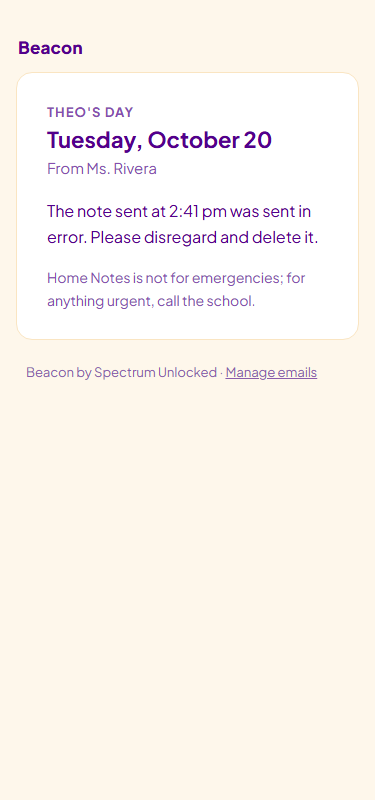
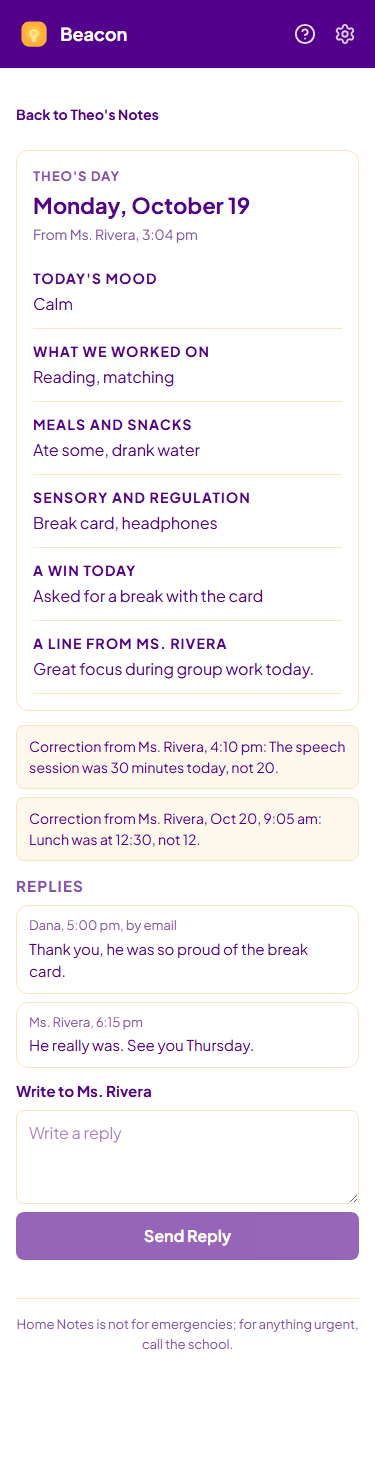
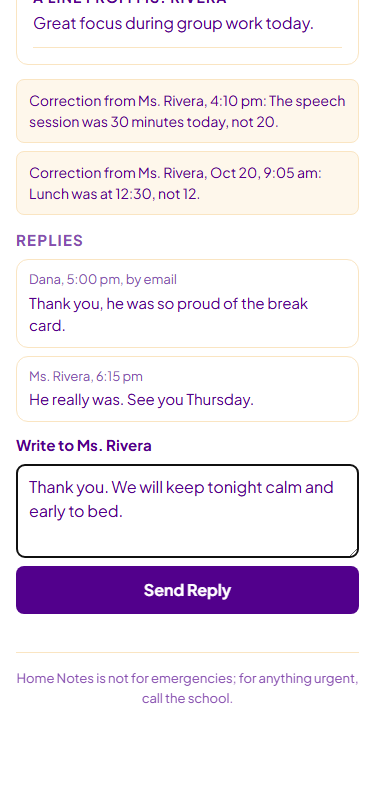
A sent note stays as it was sent. "Add a Correction" puts a correction under it, by email and in Beacon, with your name and the time. "Sent in Error" is for a note that should not have gone: the family gets a short email to disregard it and the note is hidden from their Beacon. The email cannot be unsent.
See It in the Example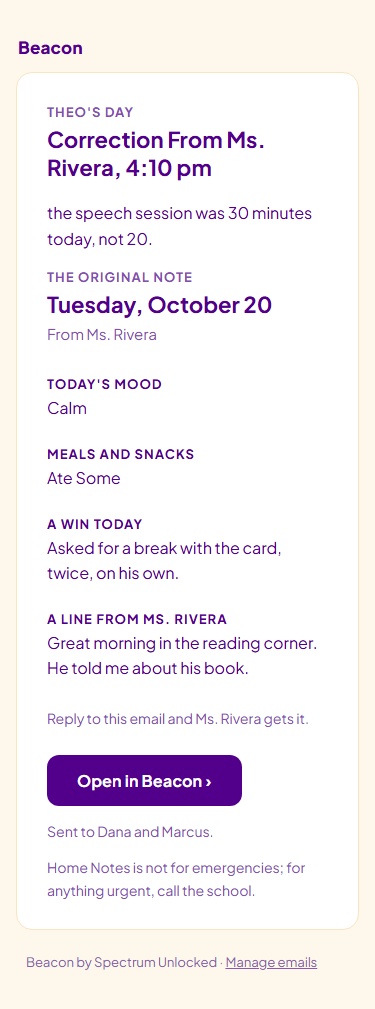
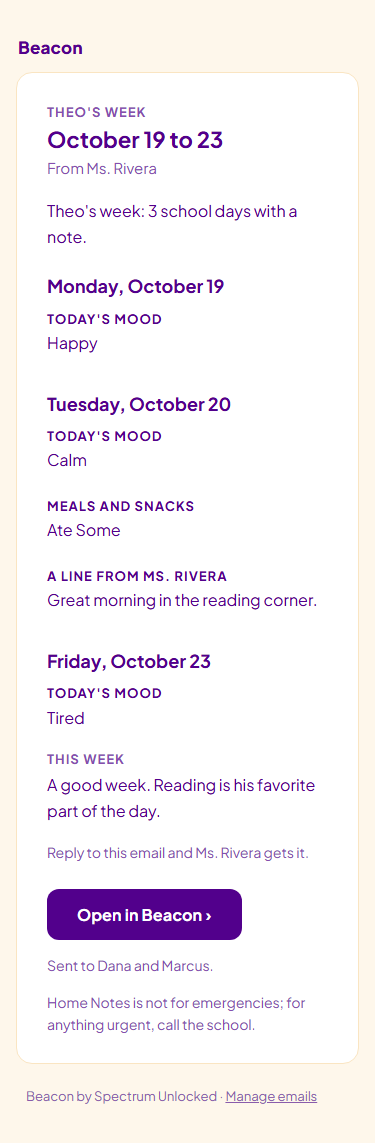
The Week in One Note on Friday
On Friday the family gets the week's notes in one email, Monday to Friday, so a parent who missed a day sees it there. By default it goes once Friday's note is sent; in Settings you can choose Review First, or not to send weekly notes, for everyone or for one student.
How a Family Joins
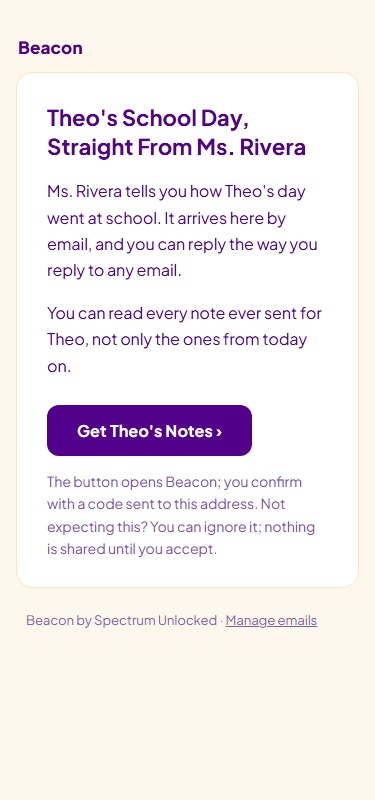
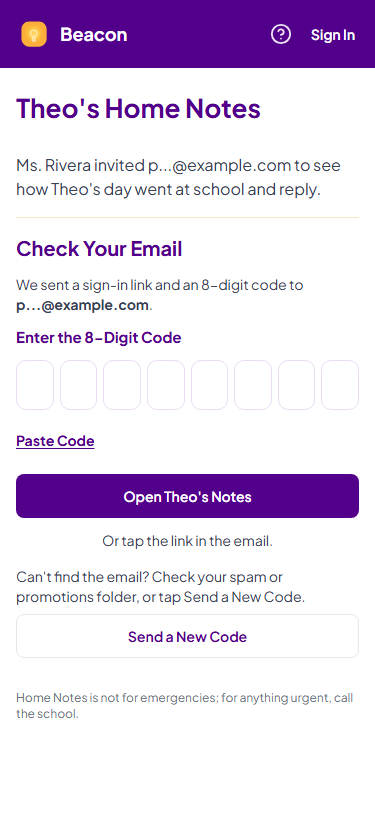
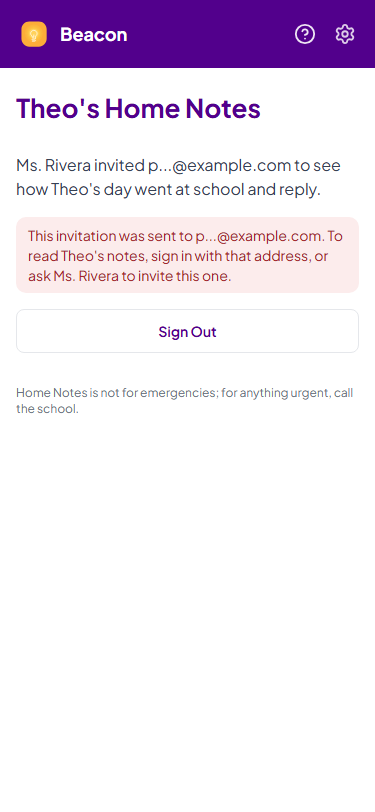
You invite a family member by email from the student's page. They accept from the invitation and sign in with a code sent to the invited address, with no password. Until they accept, nothing about the student reaches them.
Replies Come Back to You
A family member replies by replying to the email, or in Beacon under the note. Every reply shows under the note it answers and in your Replies list, where Open the Note takes you to it to answer. You see when each family member read the note.
See It in the Example
Keep the Paper Sheet Too
The daily sheet stays free to print, Letter or A4, for students who are not on Home Notes yet or for a day without a phone.
A Real Example
A self-contained K to 2 teacher sends Theo's note on a Tuesday. First names only:
| When | What Happened | Where It Went |
|---|---|---|
| Tuesday 2:41 pm | Sent Theo's note: Calm, ate most of lunch, a win in reading | Emailed to Theo's mom and dad |
| Tuesday 4:12 pm | Reply from Theo's mom: thank you, he told us about the book | Shown under the note and in Replies |
| Friday | The week in one note, Monday to Friday | Emailed to both |
What Beacon Auto-Knows
- Each student by first name, and the family members you invited.
- Every note you sent, its corrections and the replies under it.
- When each family member read each note.
How It Fits With Chat
- Home Notes is its own tool in the bottom bar; your words go to families exactly as written, and Beacon writes nothing to families on its own: one Friday line if you ask for it, which you can change before it goes.
- Chat can tell you what Home Notes does and where to find it.
Try These With Beacon
“How do I send a daily note home to a family?”
Beacon points you to Home Notes in the bottom bar and the steps: add the student, tap today's note, send.